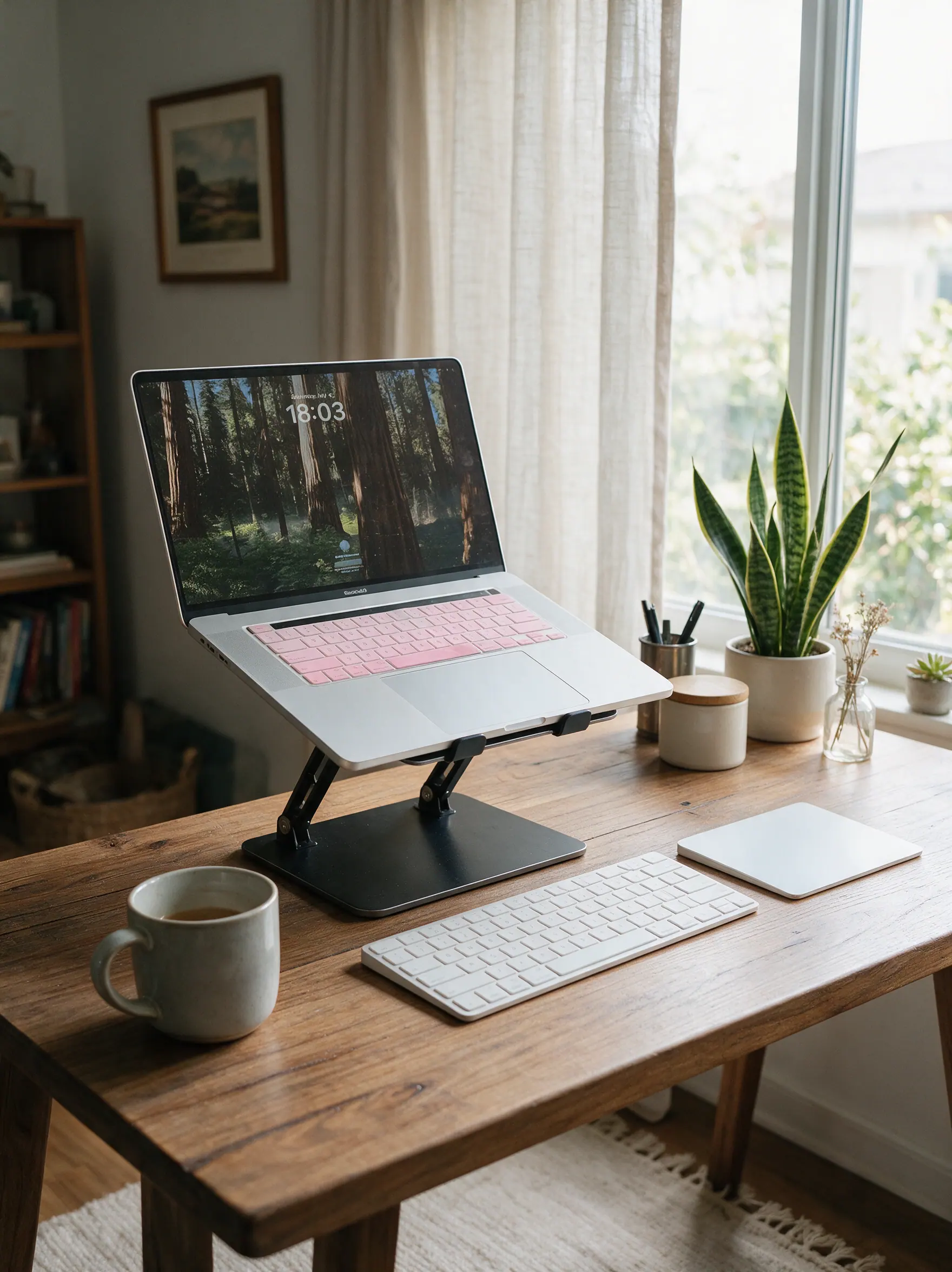
Screen height
7.7/10Adjustable Metal Laptop Stand
Raises a laptop screen and creates room for a separate keyboard underneath.
Watch for: Larger laptops need a stable stand and desk surface.
Work from home guide
A useful home-office accessory removes a repeated source of friction. Start with the position of your screen and hand, then deal with cables and comfort. A longer product list is rarely a better workspace.
Screen height, mouse grip, and foot support all affect long sessions. These are not medical claims or a substitute for professional advice; they are practical setup options worth comparing to your desk and chair.
Practical picks
Screen height
7.7/10Raises a laptop screen and creates room for a separate keyboard underneath.
Watch for: Larger laptops need a stable stand and desk surface.
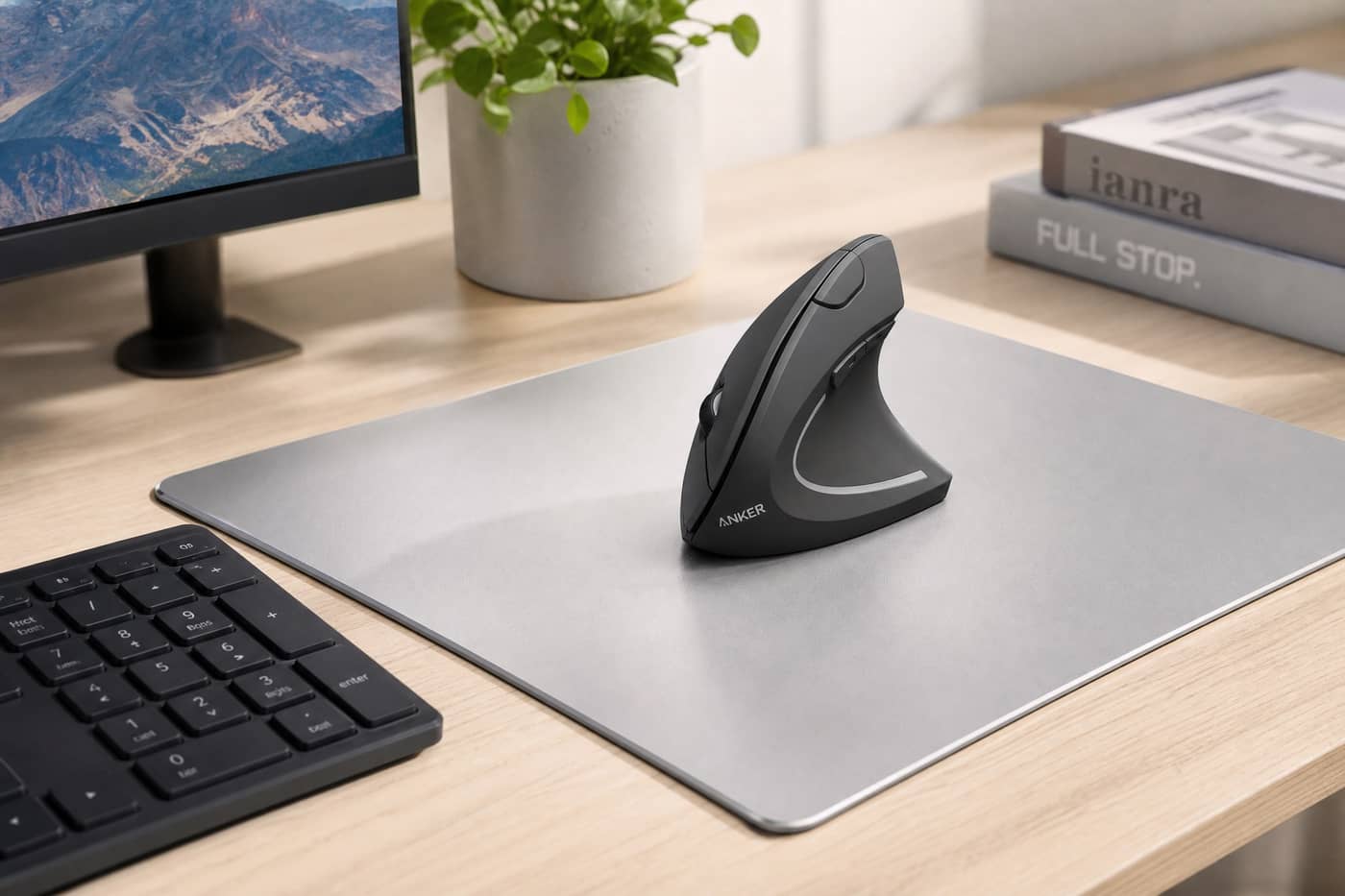
Mouse comfort
7.4/10Offers a more upright hand position for people who want to try a vertical mouse format.
Watch for: The new shape takes time to get used to.

Sitting comfort
7.0/10A soft foot support option for desks where feet do not rest comfortably on the floor.
Watch for: Soft foam offers less height adjustment.
Common questions
Start with the specific discomfort or distraction you notice every day, rather than buying a complete setup at once.
Yes. A stand and separate keyboard can make a laptop-first setup more flexible, but your space and routine matter.
No. Keep only the items that make the desk easier to use or easier to reset at the end of the day.