Comfort
Anker Ergonomic Vertical Mouse Review
A budget-friendly vertical mouse for people who want a more relaxed hand position without rebuilding the whole desk.
Editorial Take
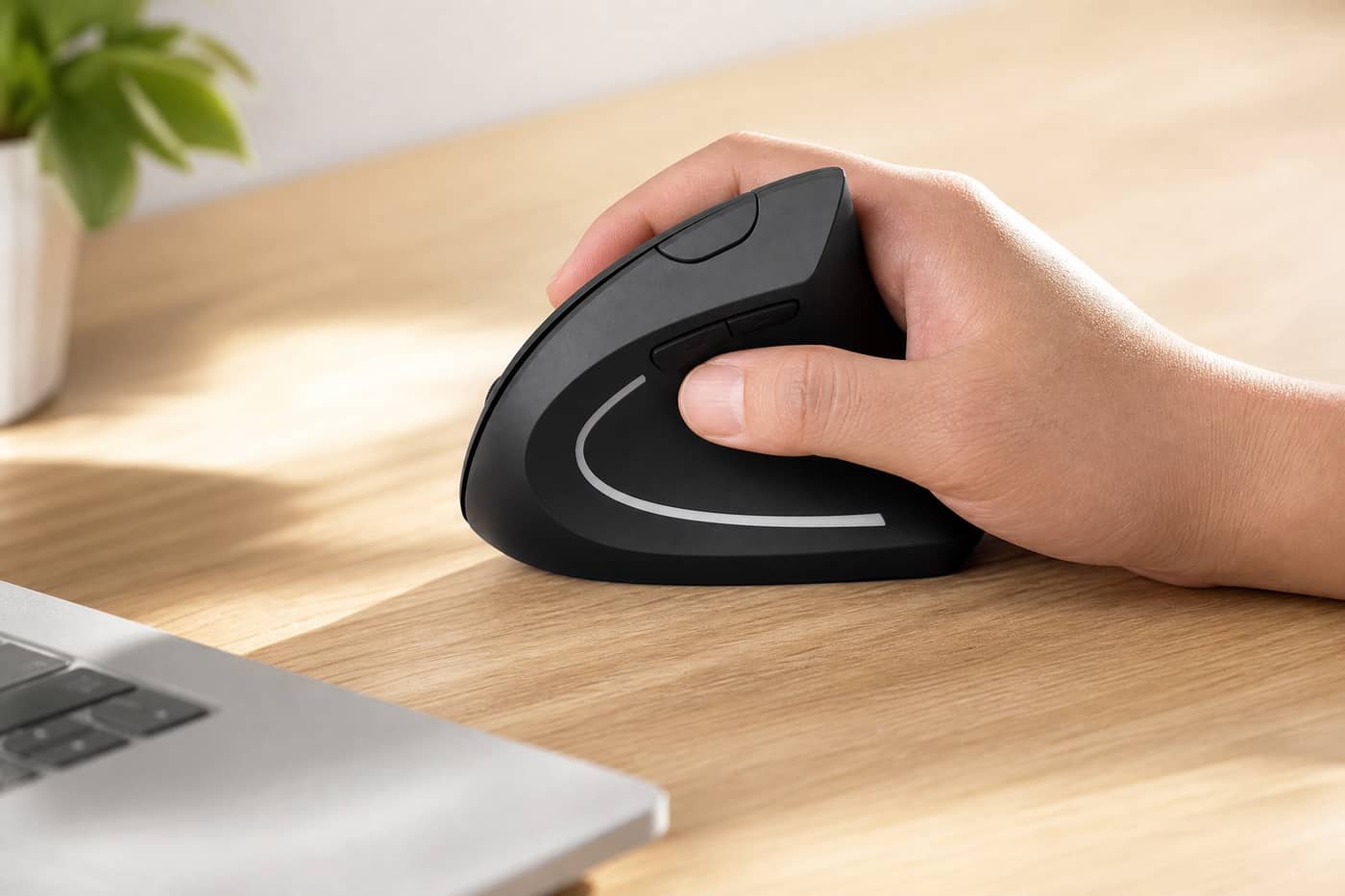
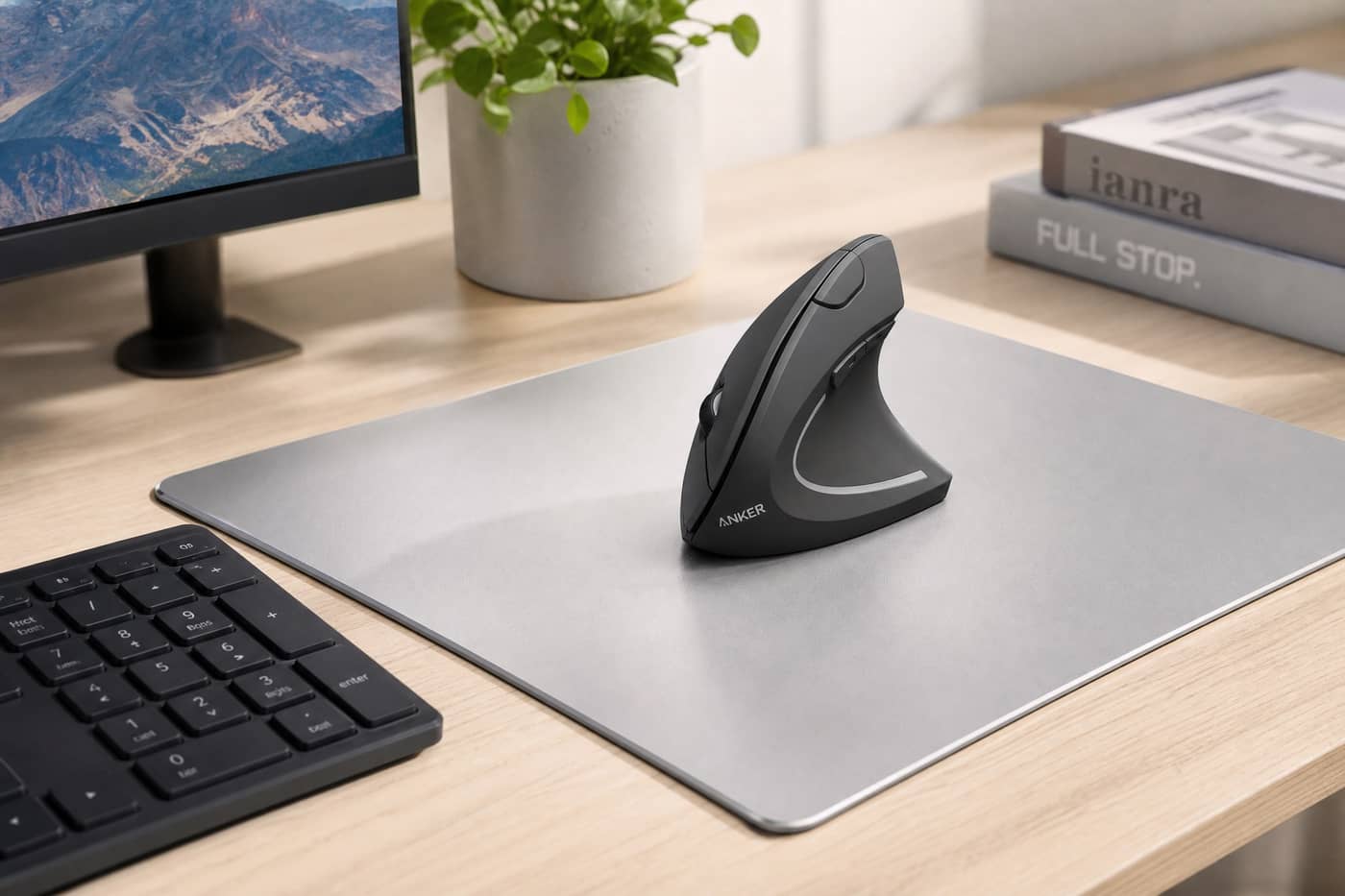
This is the kind of mouse I would look at if a regular flat mouse starts feeling cramped, but I do not want to spend premium money just to try a vertical shape. The appeal is simple: the hand sits more upright, the thumb has a real resting area, and the mouse still looks clean on a desk.
What Feels Less Certain
The shape is the whole point, and also the whole risk. Some people adjust quickly; others miss the lower, flatter feel of a normal mouse. I would treat it as a comfort experiment, not a medical fix.
Buying Context
Anker Ergonomic Vertical Mouse belongs in the comfort part of a practical setup. The product is most useful when the buyer already understands the problem they are trying to solve rather than simply shopping for another accessory. For that reason, the main question is not whether the product looks good in a setup photo, but whether it removes a real annoyance from daily work.
For this guide, the score is based on practical everyday value, setup risk, likely buyer fit, and how clearly the product solves its stated problem. We avoid claiming personal long-term testing unless that testing has actually happened.
Best For
- Home-office desks
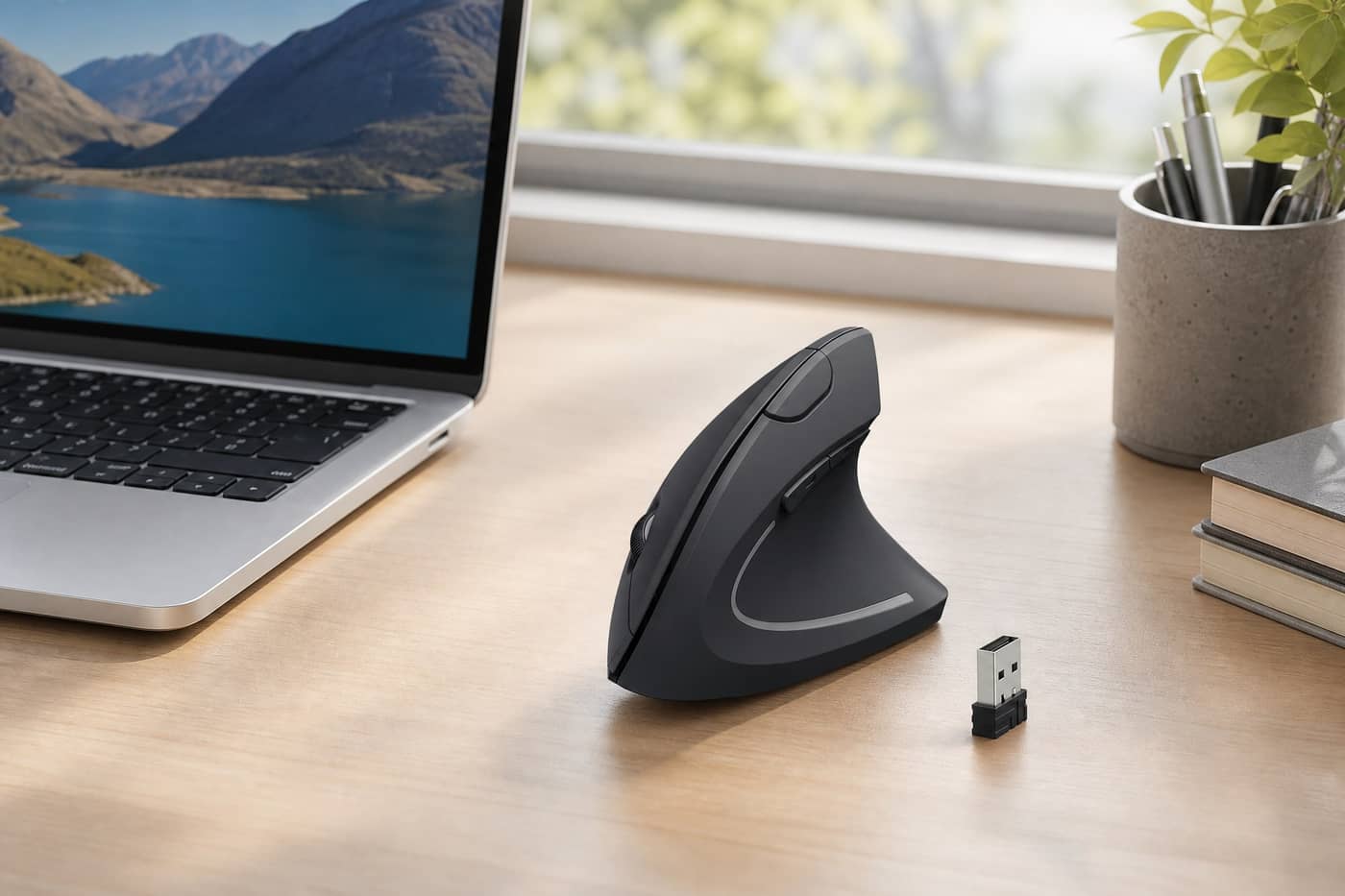
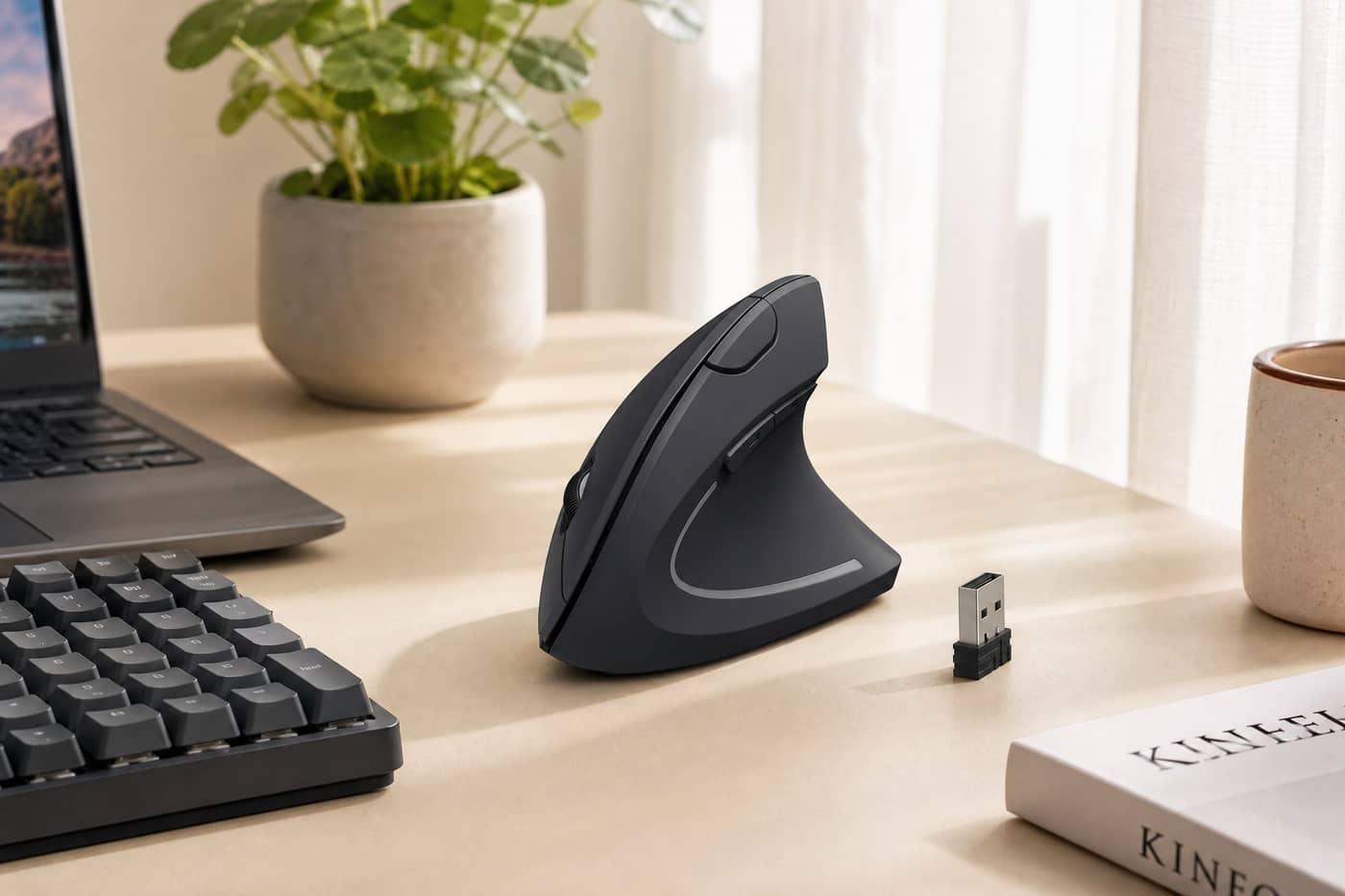
- Laptop setups with a receiver port
- People trying a vertical mouse for the first time
- Users who want a fuller hand grip
Not For
- Competitive gamers
- Tiny travel setups
- Users who hate taller mouse shapes
- People expecting instant medical relief
Check Before Buying
- Check hand size
- Confirm USB receiver compatibility
- Expect a short adjustment period
- Keep return policy in mind
Setup Notes
Before buying, compare dimensions, compatibility, placement, materials, and the daily use case. Many useful-looking products disappoint not because the product is bad, but because the buyer did not measure the setup first. If space is limited, prioritize products that save room, reduce clutter, or improve a repeated daily action.
If you are choosing between this product and a cheaper alternative, pay attention to the drawback section above. A lower price is attractive, but the wrong size, wrong fit, or wrong connection standard can make the cheaper option more expensive in practice.
Bottom Line
Anker Ergonomic Vertical Mouse is worth considering when its strengths match your actual workspace problem. It is less compelling if you are buying only because it appears in a polished product photo. Use the scorecard as a starting point, then check the fit details before clicking through.