Docking
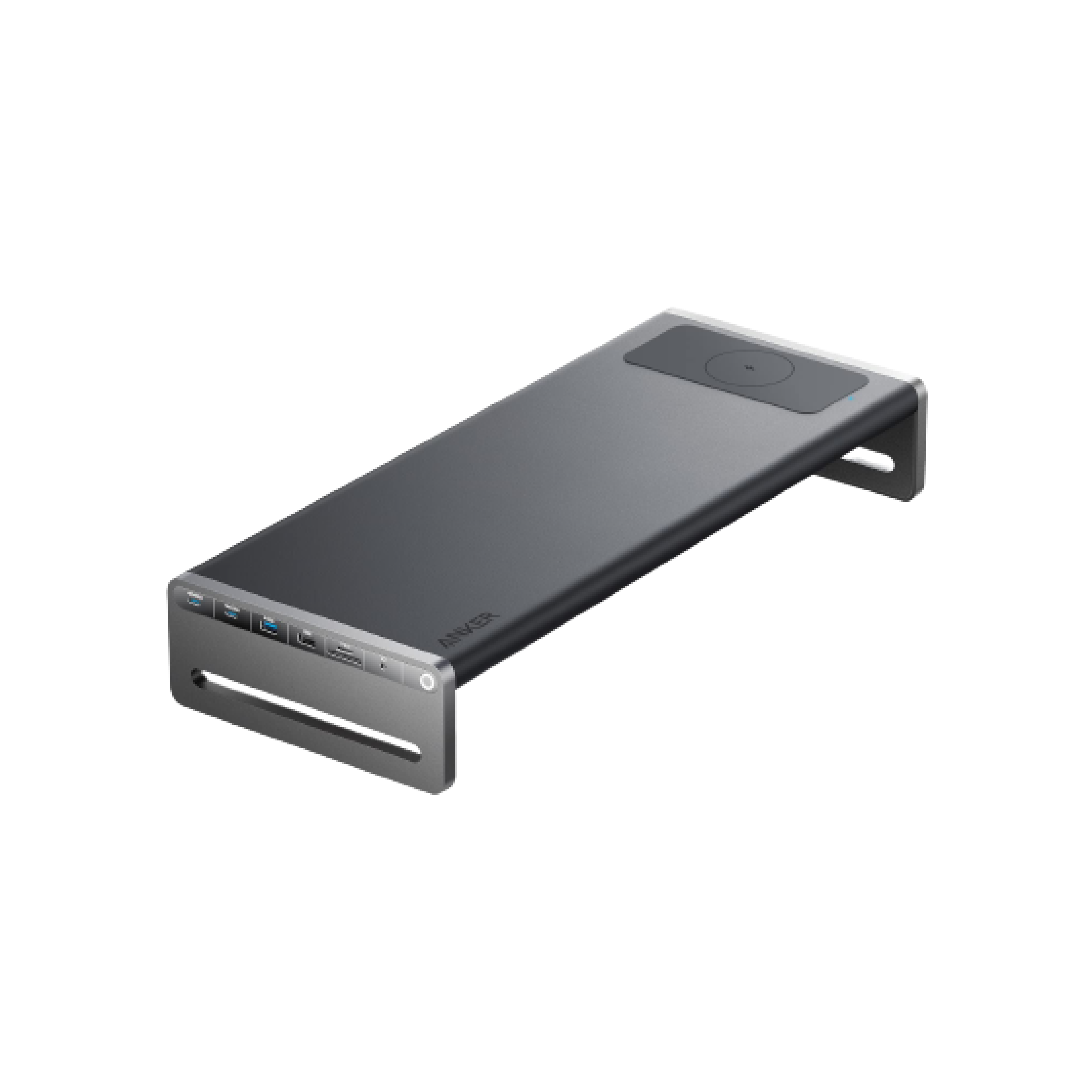
Anker 675 USB-C Docking Station Review
A 12-in-1 dock that doubles as a monitor stand and keeps ports within reach.
Editorial Take
The Anker 675 is interesting because it combines two buying intents: monitor riser and USB-C dock. That makes it great for clean desk setups, but buyers need to confirm laptop, monitor, and power requirements first.
What Feels Less Certain
Docking stations are compatibility products. The same dock can be excellent for one laptop and frustrating for another if display output, charging wattage, or OS support does not match.
Buying Context
Anker 675 USB-C Docking Station belongs in the docking part of a practical setup. The product is most useful when the buyer already understands the problem they are trying to solve rather than simply shopping for another accessory. For that reason, the main question is not whether the product looks good in a setup photo, but whether it removes a real annoyance from daily work.
For this guide, the score is based on practical everyday value, setup risk, likely buyer fit, and how clearly the product solves its stated problem. We avoid claiming personal long-term testing unless that testing has actually happened.
Best For
- USB-C laptop users
- Single-monitor setups
- People who want fewer visible cables
- Clean docking setups
Not For
- Multiple high-refresh monitor setups
- Users who do not need ports
- Buyers unwilling to check compatibility
Check Before Buying
- Check display output needs
- Confirm charging wattage
- List required ports
- Check laptop USB-C/Thunderbolt support
Setup Notes
Before buying, compare dimensions, compatibility, placement, materials, and the daily use case. Many useful-looking products disappoint not because the product is bad, but because the buyer did not measure the setup first. If space is limited, prioritize products that save room, reduce clutter, or improve a repeated daily action.
If you are choosing between this product and a cheaper alternative, pay attention to the drawback section above. A lower price is attractive, but the wrong size, wrong fit, or wrong connection standard can make the cheaper option more expensive in practice.
Bottom Line
Anker 675 USB-C Docking Station is worth considering when its strengths match your actual workspace problem. It is less compelling if you are buying only because it appears in a polished product photo. Use the scorecard as a starting point, then check the fit details before clicking through.